 fresko
A wallpaper changer that burns information into the image
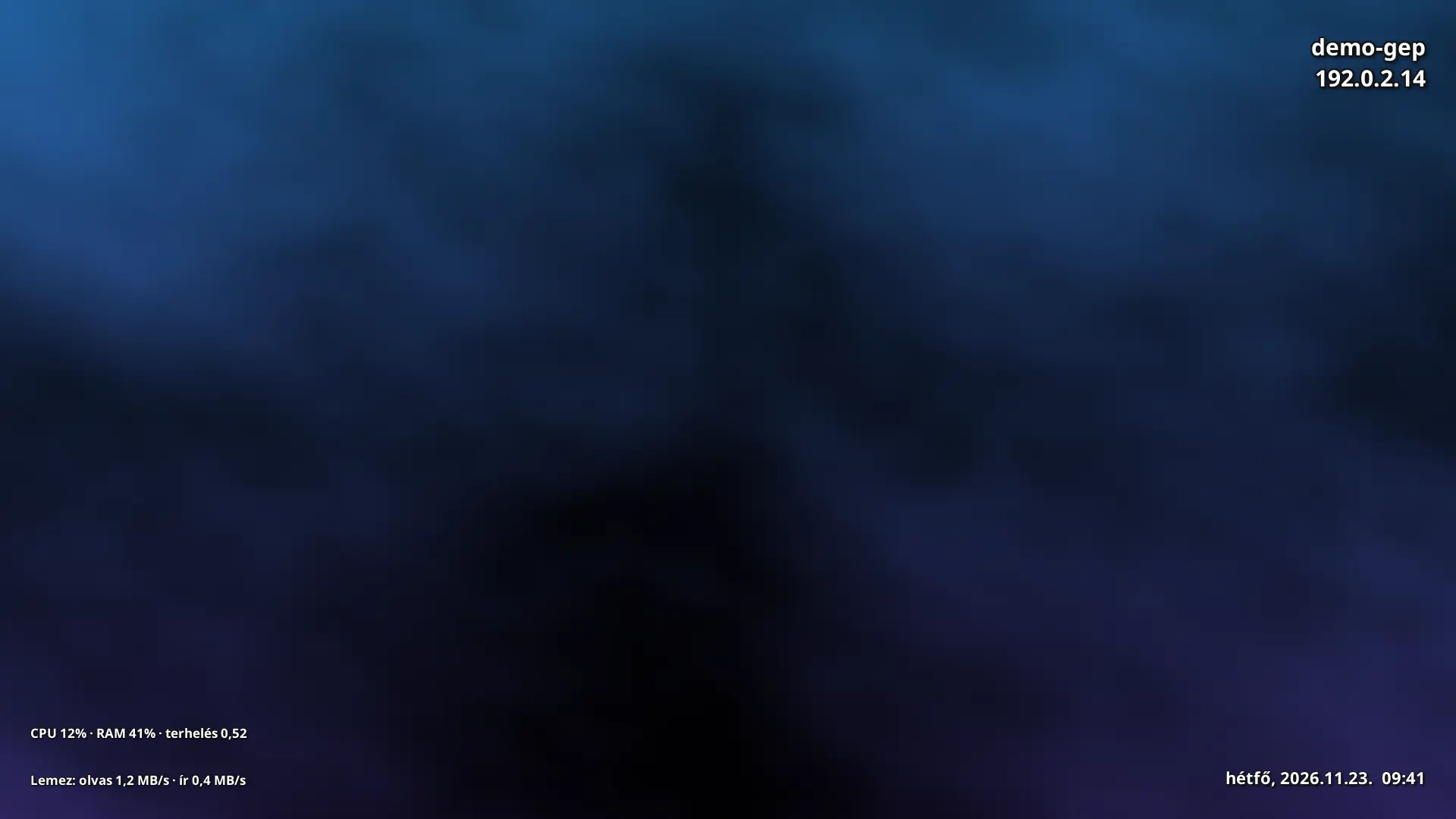
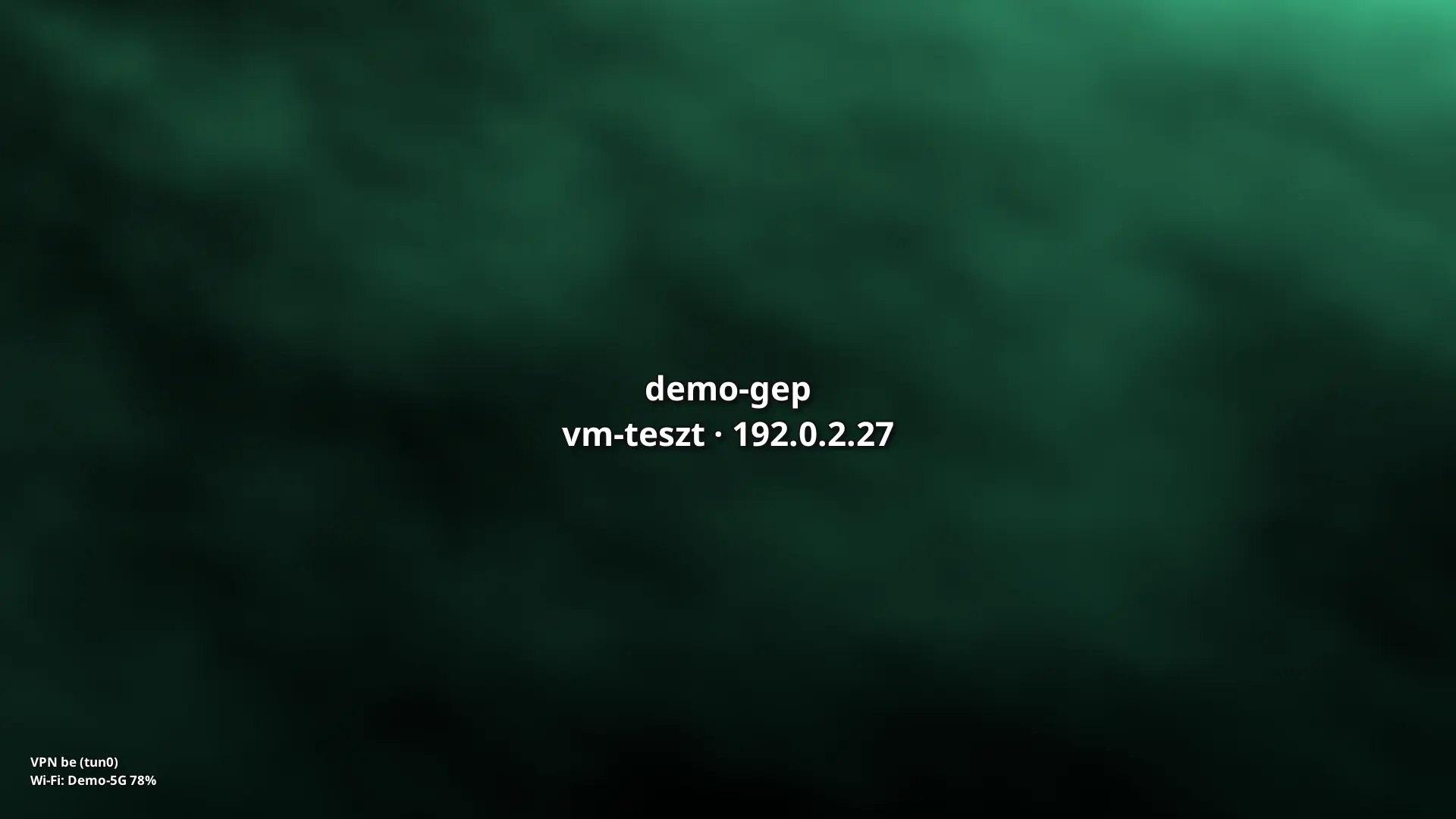
fresko rotates your wallpaper and draws the text you choose - hostname, IP address, clock, system stats, the output of any command - straight into the image. No overlay window, no compositor: it works the same on bare X11, under GNOME and on Wayland compositors. On virtual machines it shows which machine you are looking at, much like BGInfo.
What it does
Text in the image, no compositor
The text becomes part of the wallpaper, not a separate window. That is why it works on X11 without picom, on VMs and under GNOME.
X11 and Wayland
Backends: GNOME, Cinnamon, MATE, KDE Plasma, XFCE, Sway, Hyprland and other wlroots-based compositors, plus bare X11.
Variables and commands
Hostname, user, IP, OS, kernel, uptime, time and date, plus the output of any command or the contents of a file. Any number of text blocks, nine positions.
System stats as minute averages
CPU, memory, disk, network, temperature, battery, Wi-Fi, VPN. The collector runs only while a template uses it, and stops after 5 idle minutes.
Alert blocks
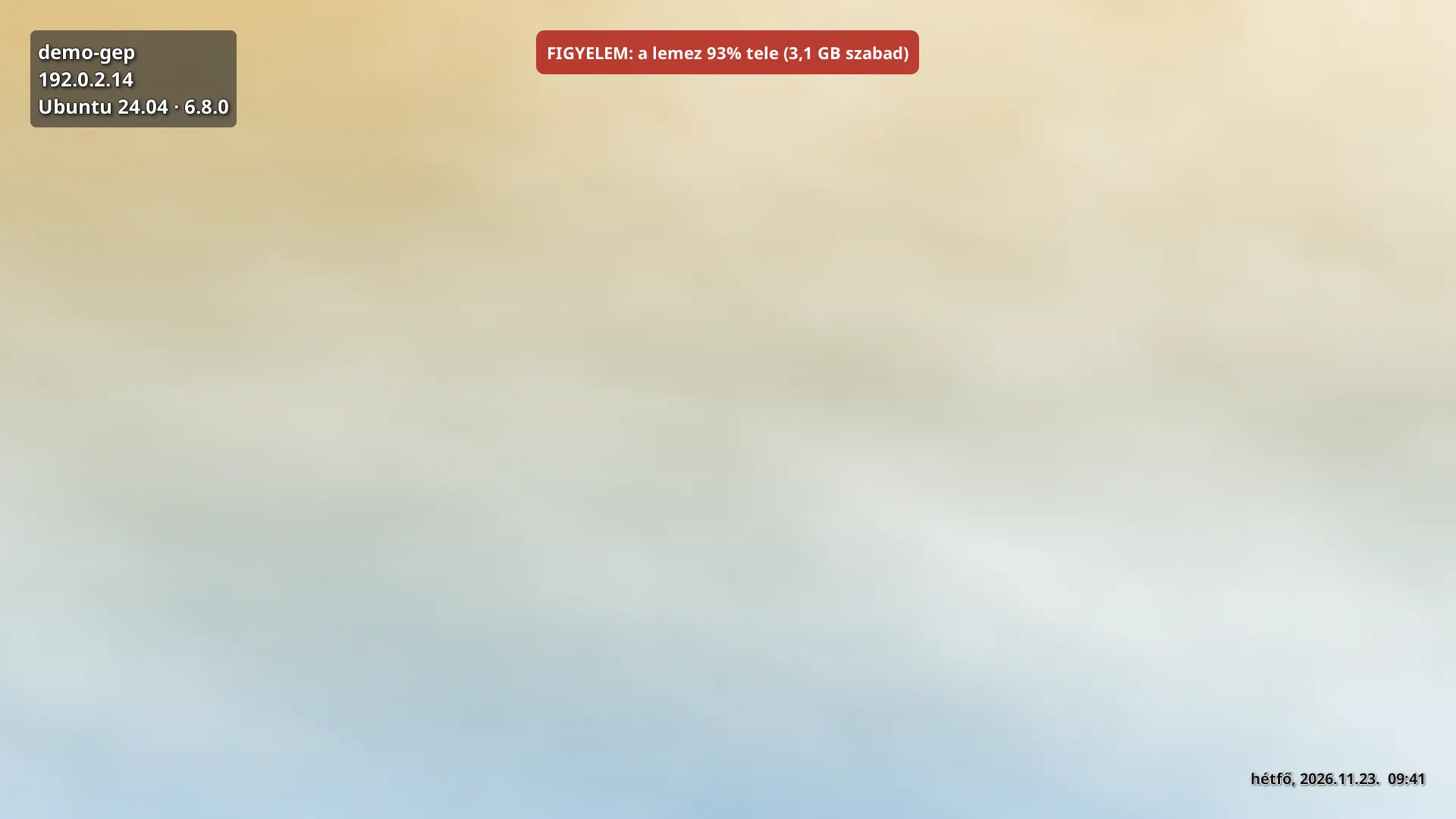
With a show_if condition a block appears only when, for example, the disk is more than 90% full. The image is static, so alerts do not blink; they refresh every minute.
Readable text
Automatic colour and outline based on background brightness, automatic placement in a calm part of the image, an optional semi-transparent box. Blocks on the same position stack neatly.
Offline and VPN aware
It always also rotates the images you already have; downloading is only an addition. Quiet network use, back-off after a failed attempt, and a full off switch (online = "off").
Sources
Image folder (recursive), Bing daily image, NASA APOD, Wallhaven with a search term.
Favourites and scheduling
Favourites with a weight, or scheduled daily/weekly/monthly; banning only hides an image. The original image is never modified or deleted.
Moving from Variety
Imports sources, favourites (as copies) and bans; Variety's own files are left untouched.
Tray icon, CLI, settings window
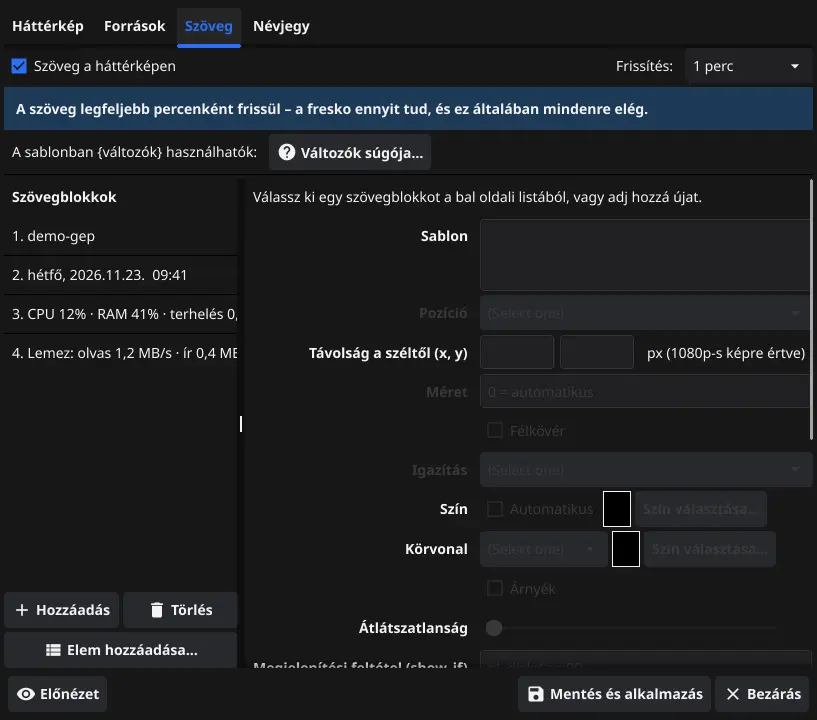
Next/previous, favourite and pause from the tray or the command line; a separate settings window with ready-made blocks via "Add item".
Per-machine configuration
Next to the shared config there are config.d and hostname layers: keep the shared part in version control and only the differences per VM.
Low resource use
The daemon sleeps between refreshes. Measured on a real machine: about 10 ms of CPU per minute with a template that uses no system data, about 170 ms per minute with seven metrics (roughly 0.3% of one core).
Screenshots
All images were made with invented demo data and generated backgrounds.
Supported desktops
auto picks from the desktop environment and running processes; you can also set it by hand.
| Backend | Desktop / mode |
|---|---|
gnome | GNOME, Unity, Budgie, Pantheon, Ubuntu |
cinnamon, mate | Cinnamon, MATE |
kde | KDE Plasma |
xfce | XFCE |
sway | Sway |
hyprland, wlroots | Hyprland, river, niri, labwc, Wayfire and similar (swww or swaybg) |
x11 | any bare X11, no compositor |
How it works
- The daemon picks from the image pool (on a timer or on request), burns the text in and sets the result as the wallpaper.
- The finished image goes to its own cache; the original file is never touched.
- The daemon and the command line talk over a unix socket. It opens no network port and writes nothing outside your home directory.
- Configuration is a single TOML file; it reloads after saving.
A configuration example
[[text.block]]
template = "{hostname}\n{ip}"
position = "top-right"
size     = 30
box      = true

[[text.block]]
template = "FIGYELEM: lemez {disk:/} tele"
position = "top"
show_if  = "disk:/ >= 90"
Known limits
- The text refreshes at most once a minute, because setting a wallpaper is a heavy desktop operation. It is not meant for live, per-second data.
- No different image per monitor yet: one image is made for the largest monitor's resolution.
- Linux only; Windows and macOS are not supported.